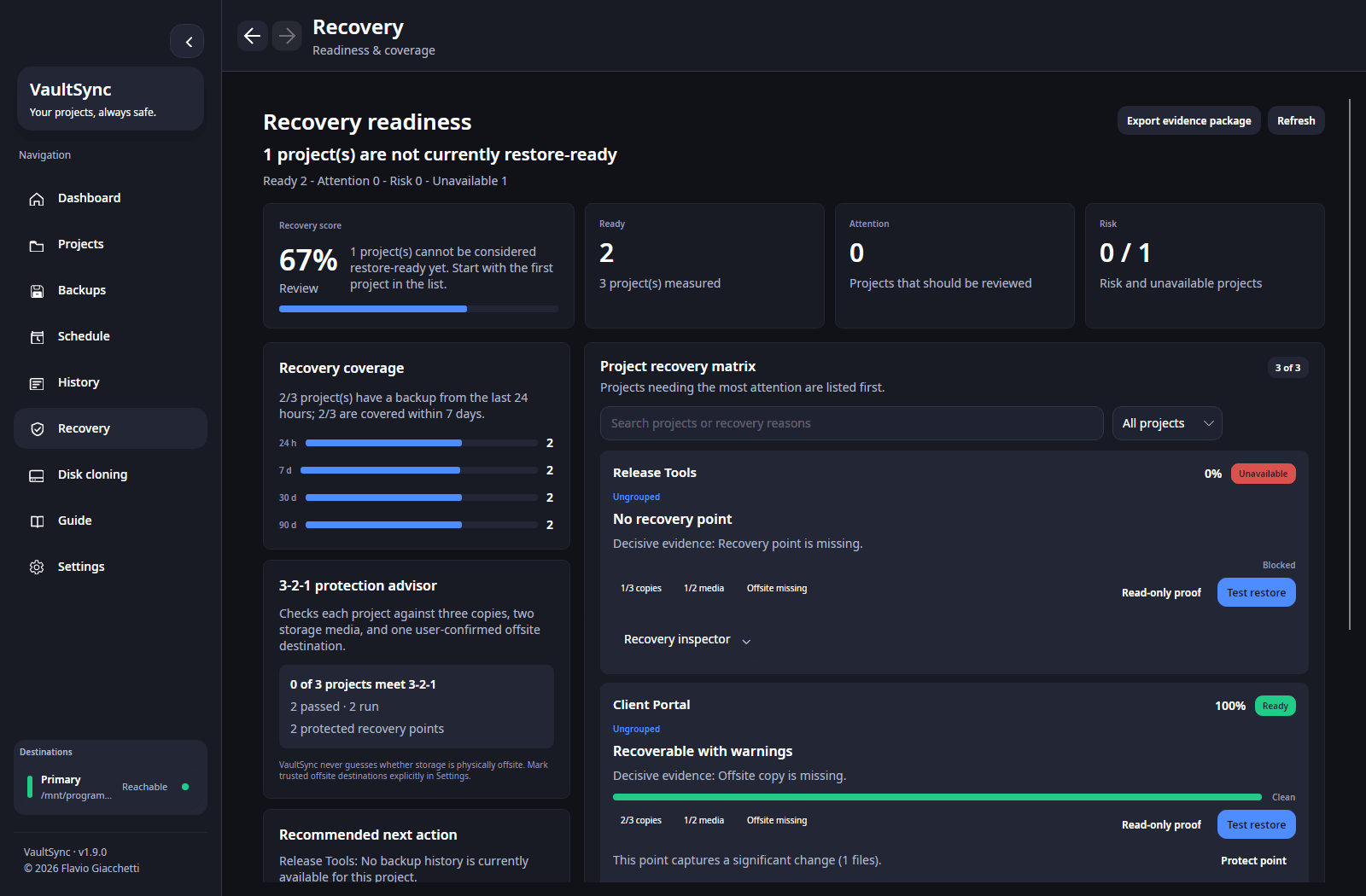
VaultSync 1.9.0 Beta 1 is available for Windows, macOS and Linux. If you depend on VaultSync for everyday backups, keep 1.8.10 as your stable install and try the beta with a disposable project or VM. Download Beta 1 · Stable 1.8.10
The most satisfying part of this test was seeing a Debian shell on the restored disk. Getting there meant capturing a disk offline, restoring it onto another disk, and starting the restored system with the original disk disconnected.
What we tested
The first qualified profile is an 8 GiB Debian 13 virtual disk with GPT, UEFI, ext4 and 512-byte sectors. The recovery environment verified the captured image, showed the destination for review, and required separate confirmation before writing. After the write, the tool read back the entire target. An independent comparison matched the original disk byte for byte. Then the restored disk booted on its own under UEFI.

The screenshot records the write and read-back. The independent comparison and the boot are separate results in the test receipt.
That qualification covers the virtual profile above. Physical hardware and other Linux disk layouts still need testing. Windows and macOS keep their desktop file-backup and restore workflows in Beta 1. Whole-disk recovery for those systems is scheduled for later beta stages. Beta scope and test plan
Smaller changes you’ll see on the desktop
- Search your backup inventory by project, destination or path. A single row can show multiple restore points saved at the same location, with a version picker that keeps each point available.
- Use Back and Forward to move between the pages you visited.
- Test a restore or change the interface language with guided setup still open. The tour now has its own space, and the Guide shows each step once.
Try Beta 1
Pick the installer for your platform from the GitHub prerelease. For a disk recovery trial, use a disposable VM and an empty target disk. Restoring an image overwrites the selected disk. When reporting a problem, include your OS, package type, and what you were doing when it happened. Beta 1 release and downloads
If you’ve restored a Linux system after a disk failure, which detail would you want to see clearly before confirming the target disk? Disk model, serial number, capacity or partition layout? Feedback on the review screen is welcome as we test more recovery profiles. VaultSync issue tracker