
Cello's first public preview is out: 0.1.0-rc.1 for GNOME Shell 46. It is a small desktop battery widget with device icons, charge rings and percentages. The code, installable ZIP, checksums and user guides are available on GitHub.
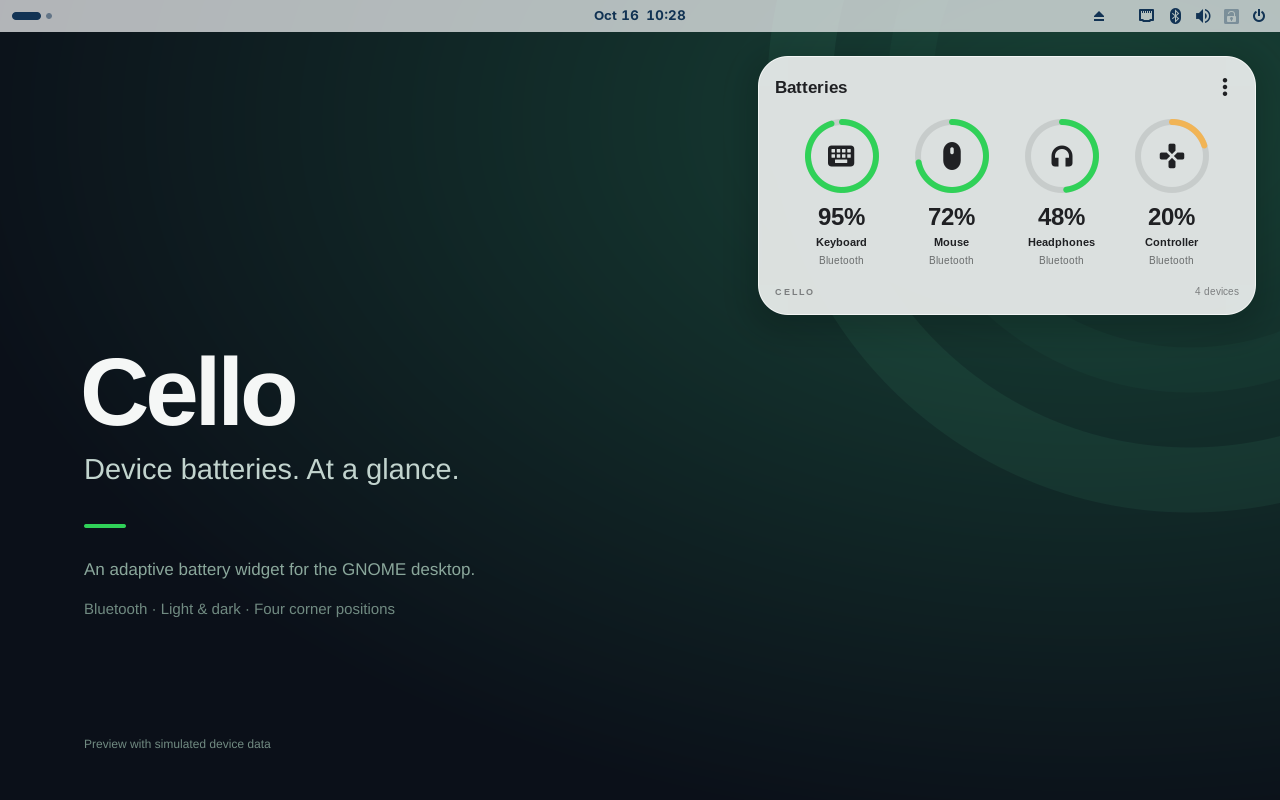
The screenshot shows the actual widget in an isolated GNOME session, on an original project wallpaper, with clearly simulated device readings. It demonstrates the interface—not the measured battery life of a keyboard, mouse or controller.
A useful number, in a small card
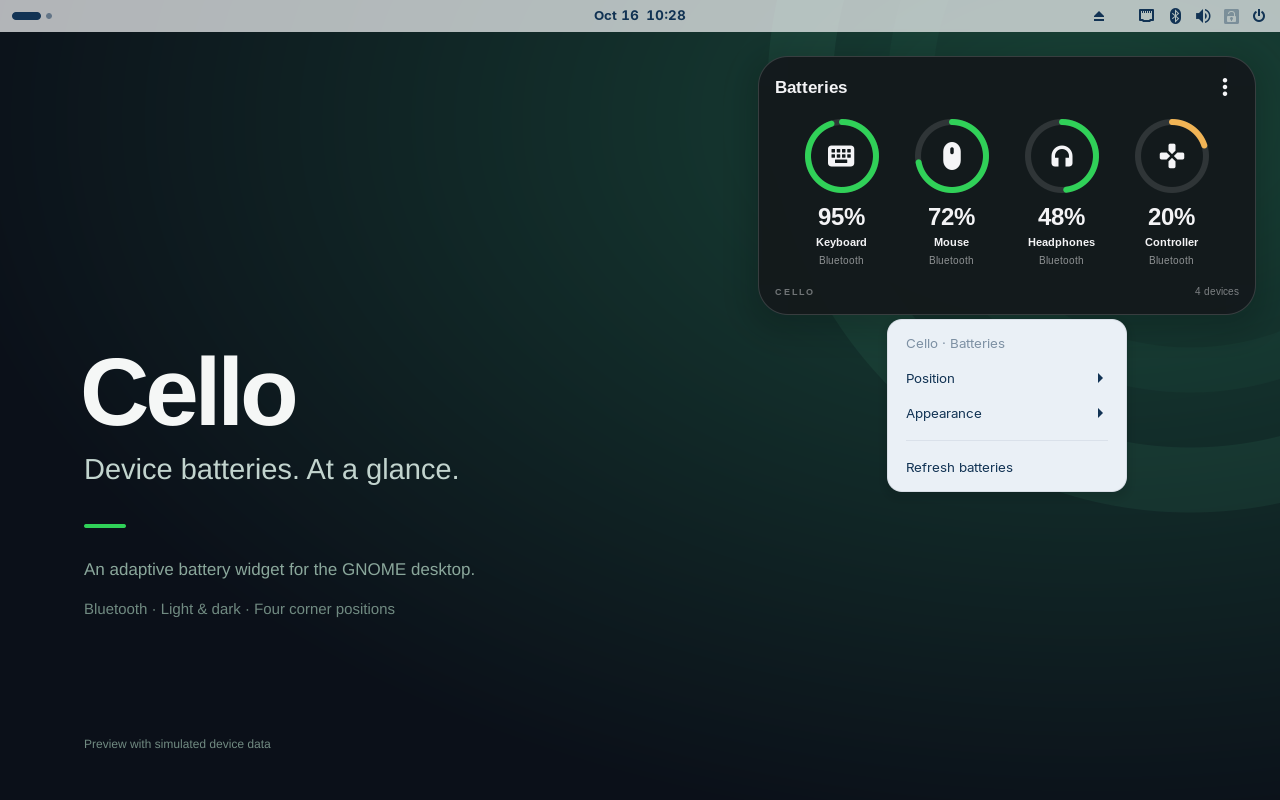
I wanted a quiet place to see Bluetooth device batteries without opening another settings window. Cello groups up to six connected devices into a card, wraps when needed, and offers four corner positions. A native right-click menu controls position and appearance. English and Italian are included.
The visual reference was the readable ring-and-icon layout of a phone's battery widget. Cello uses GNOME's own actors, drawing and popup menu rather than embedding a web application. Its colors can follow the wallpaper beneath the card, or stay explicitly light or dark.
A battery widget should be a quiet neighbour
The initial desktop widget refreshed every 20 seconds and rebuilt its visible contents. Cello now takes one snapshot of BlueZ's local cache, then listens for device and battery events. If the daemon restarts, it resynchronizes; a manual refresh also reads that local view.
Cello itself does not scan, pair, connect, issue GATT reads or write HID commands. It does not ask a sleeping device to wake up for a nicer-looking number. Device firmware and BlueZ still determine which readings exist and how the system obtains them.
Event bursts are batched, and unchanged data keeps the same actor tree. The wallpaper is decoded asynchronously into a thumbnail of at most 128 × 128 pixels and cached. There is no continuous animation or blur to maintain. A battery widget that needs its own charging cable would be a fairly specific design failure.
Unknown is a valid answer
Some connected devices do not expose a battery level through BlueZ. Cello shows —, not a guessed percentage. An existing Keychron bridge can optionally provide a local estimate, kept visibly marked with ~. The bridge is separate: Cello neither bundles nor installs it, and normal Bluetooth devices do not need it.
USB-powered and stale bridge readings are handled explicitly. A one-shot expiry updates an old reading even if the bridge stops writing. It does not create a recurring device-polling loop.
What passed, and what still needs a desk
The release has lint, Bluetooth event tests on a private D-Bus service, deterministic ZIP checks and a real GNOME 46 smoke test. The latter sends virtual-pointer events, opens and dismisses the native menu, checks placement and layout, and exercises optional bridge creation, atomic updates, removal, stale expiry, automatic contrast and disable/enable cleanup. It also passes on GitHub's runner without a GPU.
In a 22-second local idle observation, the widget made zero additional full BlueZ cache requests and zero widget rebuilds. That is an activity count. It does not establish watts, CPU/RAM overhead or hours of device autonomy. The external bridge and BlueZ have their own behavior and costs.
The remaining qualification includes the installed primary Wayland session, real multi-monitor and HiDPI setups. Other GNOME Shell versions are not declared supported. This is a public preview, and GNOME Extensions submission #11286 is awaiting review—a GitHub release is not a store approval.
Try the preview
Start with the Cello project page, download the ZIP and checksums, then follow the English user guide or guida italiana. The release kit includes ten screenshots, captions, provenance manifests and documentation. The project is GPL-3.0-or-later.
You can also choose Cello email updates. Adding Cello to the catalog does not subscribe existing readers or send a release email automatically.
Which Bluetooth device on your GNOME desktop exposes the least useful battery information: a keyboard, a mouse, headphones or a controller? Reproducible reports with your GNOME and device model are welcome; personal Bluetooth addresses are not needed.